Expenses
Expenses
Check the state of your business expenses
Enter your business expenses easy and upload the original documents to the application.
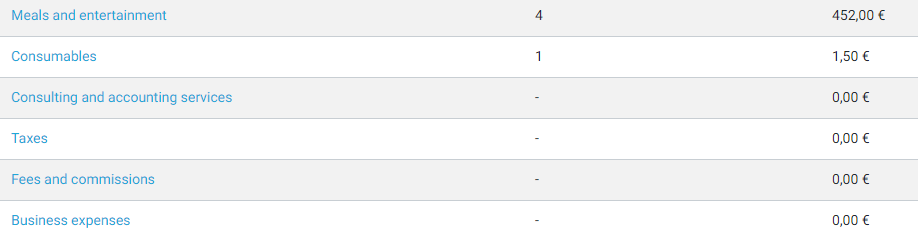
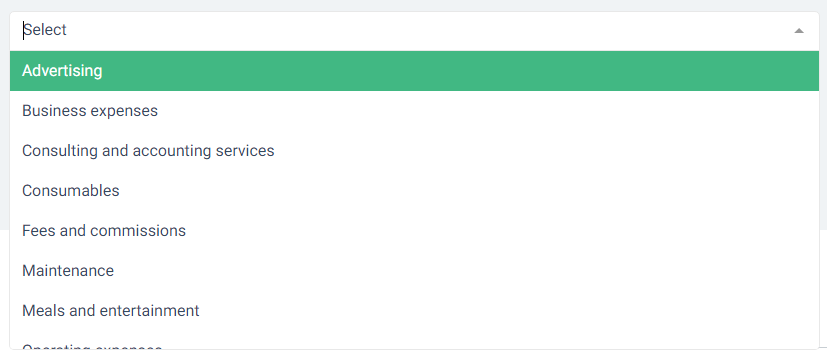
We have already created some expense categories for your expenses, but you can create your own and organize them.
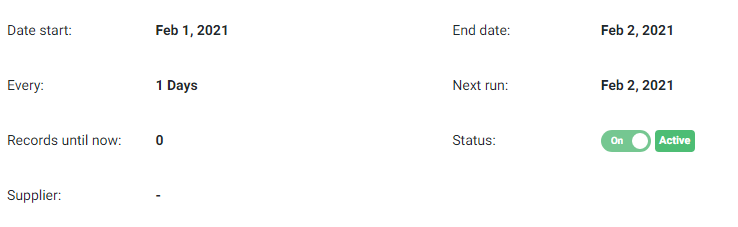
Do you have recurring expenses?Create a recurring expense and let the application take over the rest.
Record every business expense, attach the original document to it, and see what the month actually cost.
Why it helps
- Attach the original receipt or invoice to each expense
- Recurring expenses recorded on schedule
- Purchase documents created from myDATA data
- Expense totals feed the cash flow and accounting reports
Common questions
Can I attach the original document to an expense?
Yes. The scan or PDF is stored with the expense, so the paperwork and the number stay together.
Can purchases come in from myDATA?
Yes. eFluper can read the data your suppliers have sent to myDATA and create the matching purchase documents from it.
Online software for invoicing and time management of your business
The most complete solution for businesses and freelancers