Warehouses
Warehouses
Check quantities and movements of products
Easily add your products and services to the application and see useful references for them.
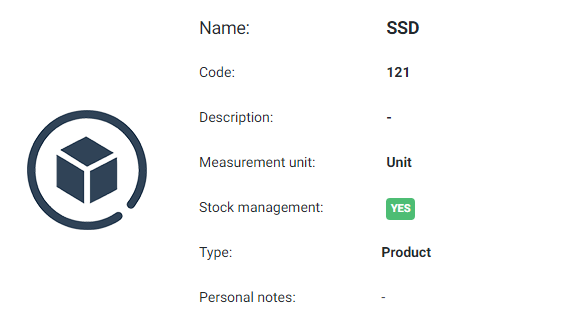
With the ability to create multiple warehouses you can distribute your products and keep stock in the warehouse you want.
You can also change the stock of each warehouse easily and quickly.
You can also change the stock of each warehouse easily and quickly.
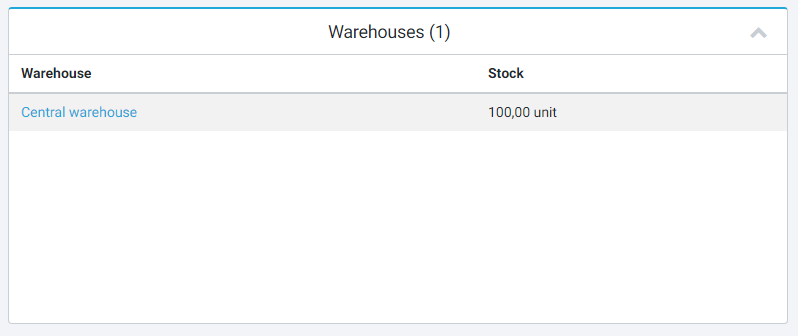
Products, services, product sets and more than one warehouse, with stock moving on its own as documents are issued.
Why it helps
- Unlimited products and services on every plan
- More than one warehouse on Small, Medium and Large
- Stock moves automatically as documents are issued
- Distribution documents and inventory counts
Common questions
Can I run more than one warehouse?
Yes, on the Small, Medium and Large plans. Each document is issued against a warehouse, so the stock figure follows the paperwork.
Do I have to update stock by hand?
No. Issuing an invoice or a delivery note moves the stock for you, and inventory counts correct the difference when you take one.
Online software for invoicing and time management of your business
The most complete solution for businesses and freelancers