Functions
Features
Smart features that make a difference
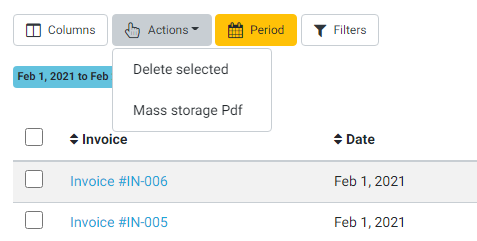
Export any document with 1 click!
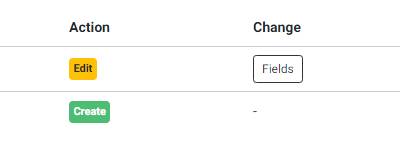
We record for you all the data changes that are made to know who created and edited each entry in the application.
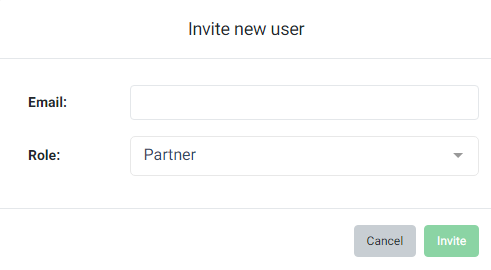
Multiple users
Invite additional users to your company by selecting their rights in the application.
Access from everywhere
Use all your devices to connect to the application without restrictions.
The small things that make the difference day to day: bulk export, a full change history, access rights per user, and the same account on every device.
Why it helps
- Export documents and their attachments in bulk
- A full history of who created and changed each record
- Access rights set per user
- The same account from desktop, tablet and phone
Common questions
Can I see who changed a record?
Yes. eFluper records every change with the user who made it and the time it happened, so a figure can always be traced back.
Can colleagues work in the same company account?
Yes. Additional users can be added to your company and you choose exactly what each of them can open and change. Each plan includes one user.
Online software for invoicing and time management of your business
The most complete solution for businesses and freelancers